How to Register Payment Card for Subscription Renewals
In order to pay for your SheenLSC member subscription you need to have a payment card registered on the electronic Membership and court Booking System .(referred to as EBO)
Note that you will need to do this for each child that is a member as well.
Membership data is held on the court booking system: Membership and Court Booking System (EBO)
To begin, you must log in to EBO using the direct access credentials. If you have not yet recorded them for safekeeping they can be found as follows:
Click the MEMBERS AREA entry on the menu bar to display the sub-menu and select:
- MEMBERSHIP SYSTEM SIGN IN
Make a note of your personal access credentials shown there.
NOTE: This is totally separate from storing a card for Court Bookings, events and guests and the two cards can in fact be different if you wish.
Using a PC
This is the preferred method of managing membership data. The following video describes the process:
Register card for payment of subscriptions
Using a Phone
The process is the same as using a PC but the screens will appear different. It will help if you view the video above first..
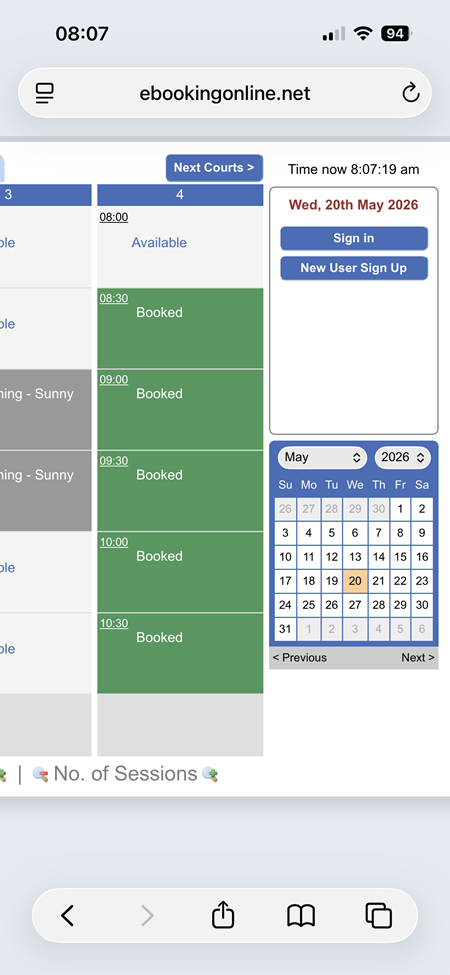
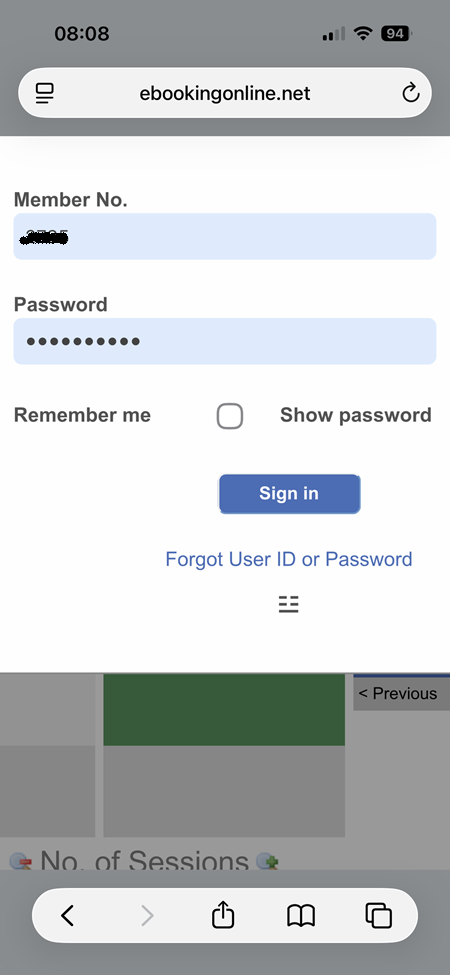
Step 1: Log in to the EBO System
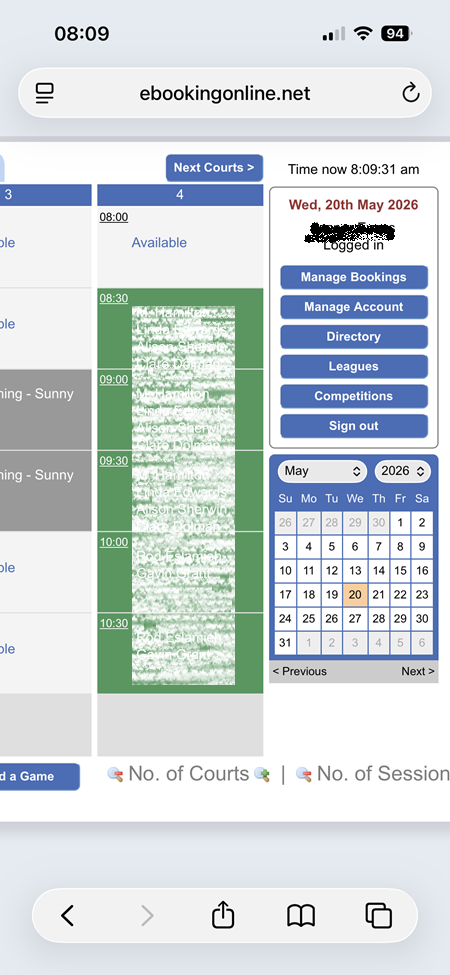
Step 2: Navigate to the Membership section
Click on 'Manage Account' and scroll down to the Membership section
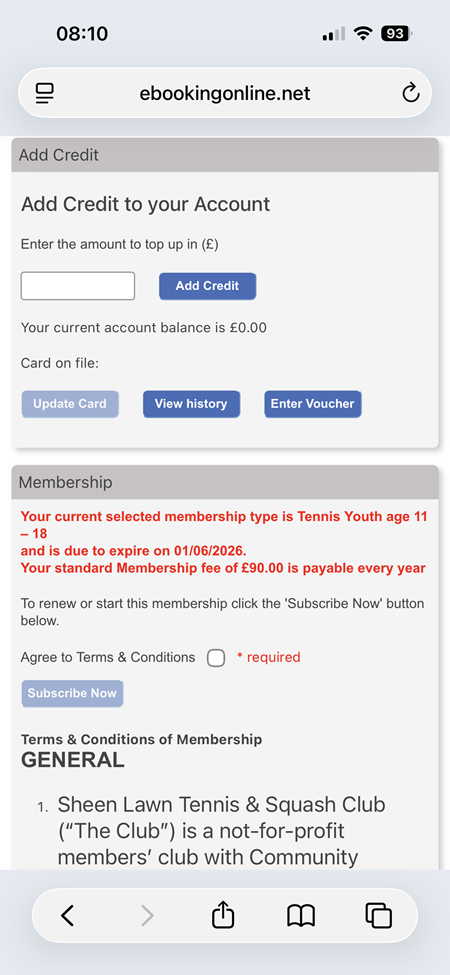
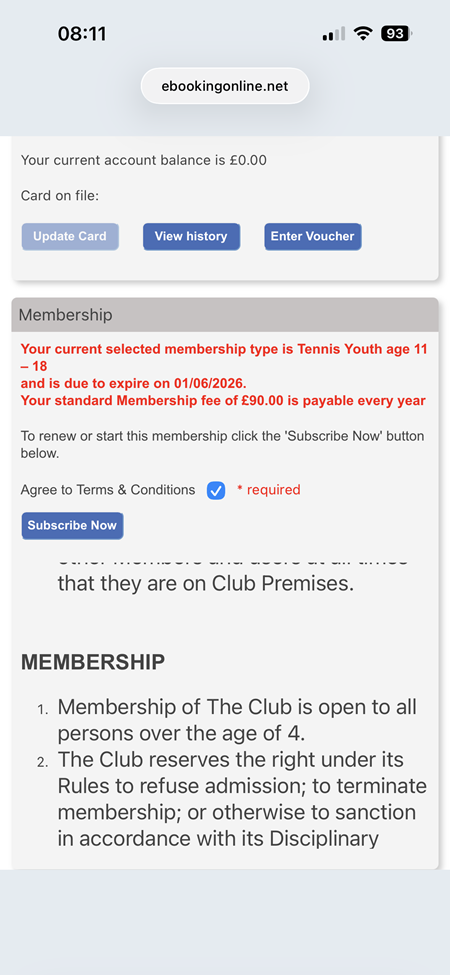
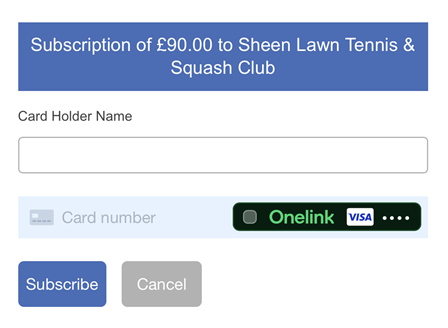
Step 3: Accept T&C's and Enter Card Details
You will be required to agree to the Terms and Conditions of the Club in order to renew your subscription.
Tick the acceptance box then enter your card details in the frame displayed.